How to Price eBay Items Using Sold Listings (Step by Step)
Active listings show what sellers hope for. Sold listings show what buyers actually paid. Here's how to use them to price quickly without leaving money on the table.
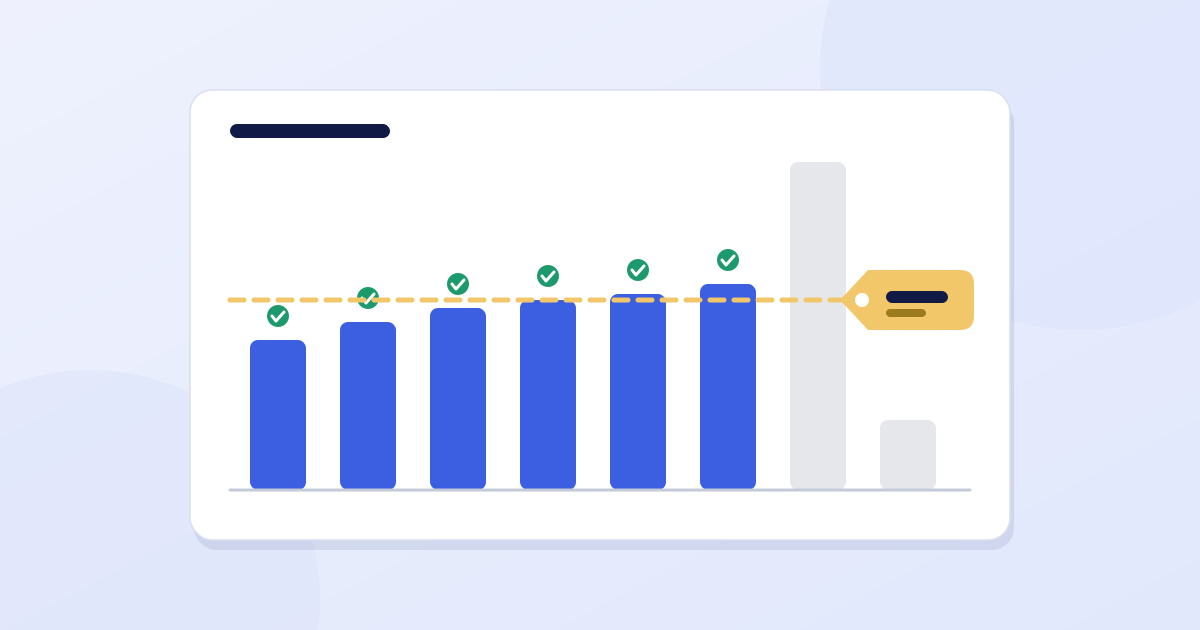
The most common pricing mistake on eBay is looking at what other sellers are asking. Asking prices are hopes. Sold prices are facts. A listing can sit at $80 for six months; the only number that matters is what someone paid.
Here's a repeatable way to price an item in a couple of minutes, using nothing but eBay's own search.
Step 1: Search for your exact item
Use the details off the tag or label: brand, model name or number, size, color. The more specific you are, the more useful the comparison. "Nike shoes" is useless; the exact model and size isn't.
If you're unsure what you have, start with a photo search or the model number on the item's label. Getting the title right matters here too, and the title guide shows how.
Step 2: Filter to sold items
On the search results page, use the filters to show only Sold items. The exact spot moves around between the website and the app, but the option is labelled Sold items. Now every result is something a buyer actually paid for.
Sellers with a Seller Hub account can also use the Product Research tool, which shows a longer sales history than the standard search. It's useful for items that don't sell often.
Step 3: Match like with like
Before you read any prices, throw out results that aren't comparable. Check each one for:
- Condition: new, open box, used, for parts. A "for parts" sale tells you nothing about a working item.
- Size, color and variant: a rare colorway can sell for several times the common one.
- What's included: original box, charger, remote, tags, case.
- Lots and bundles: a lot of five isn't a price for one.
Step 4: Read the spread, not one number
Look at the last 5 to 10 comparable sales and note the range. Drop the obvious outliers, such as a sale with a typo, a damaged unit, or an unusually generous bidder.
Also check how recent the sales are. Prices from last month matter more than prices from a year ago, especially for electronics and anything trend-driven.
Step 5: Check how fast it sells
A price means little if the item takes a year to move. Compare two things: how many sold recently, and how many are listed right now. Lots of active listings and a few sales means a slow item. A few active listings and many recent sales means demand is ahead of supply, which is where you can price at the upper end.
Step 6: Choose your price strategy
| Strategy | Where to price | Good for |
|---|---|---|
| Quick sale | At or just under the low end of the sold range | Inventory you want gone, or items where you're not sure |
| Standard | Near the middle of the sold range | Most items |
| Patient | Slightly above the middle, with Best Offer on | Items that sell steadily and don't expire |
If you turn on Best Offer, decide your lowest acceptable price first and set it to auto-decline anything below that. Otherwise you'll spend your time on offers you'd never take.
Step 7: Run the numbers
Take your likely sale price and subtract eBay's fees, the real shipping cost and what you paid. If the profit is under your minimum, pass or lower your cost, don't raise the price above what the market pays.
The eBay fee calculator does this in one step and shows your break-even price. For how the fees themselves work, see eBay fees explained.
When an item doesn't sell
Don't change the price every day. Give the listing a fair window, then compare it against what has sold in the meantime. If similar items are selling for less, move toward them. If nothing similar has sold at all, the problem is usually the title or the photos, not the price.
Mistakes to avoid
- Pricing from active listings instead of sold ones.
- Comparing a used item to a new one, or the wrong size.
- Forgetting shipping and treating the sale price as profit.
- Anchoring on a single high sale.
- Skipping the check for how recent the sales are.
Keep reading

eBay Fees Explained: What You'll Actually Pay (With Worked Examples)
A plain-English breakdown of eBay's final value fee, the per-order fee and what they do to your profit, with worked examples you can check against your own sales.

How to Write an eBay Title That Gets Found (80 Characters, With Examples)
Your title is the main thing eBay's search matches against. Here's a simple formula for using all 80 characters well, with before-and-after examples.

How to Take eBay Photos With Your Phone That Actually Sell
You don't need a camera or a studio. Good light, a plain background and a short shot list are enough to make a phone photo that sells.